
Introduction
If you work with international clients, multilingual customer data, or global business reports, you’ve probably faced one frustrating problem: translating text manually inside Excel.
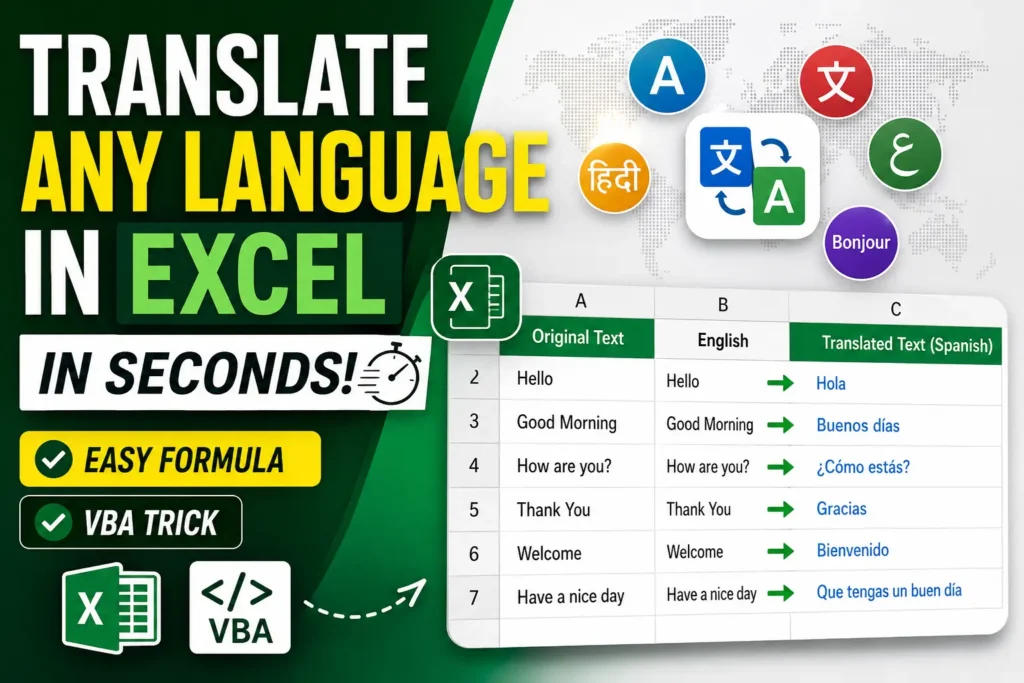
The excel translate function helps you translate text directly inside your spreadsheet without constantly switching tabs to Google Translate.
In this guide, you’ll learn:
- Built-in Excel translation tools
- VBA automation tricks
- Step-by-step translation setup
- Common problems and fixes
- Advanced productivity tips
Method 1 — Using Excel Built-In Translate Tool
This is the easiest method for beginners.
Step 1 — Open Your Excel File
First, open the spreadsheet containing the text you want to translate.


4
Step 2 — Select the Cell You Want to Translate
Click the specific cell containing your text.
Example:
- Hello
- Thank You
- Welcome


5
Step 3 — Go to the Review Tab
At the top menu bar:
- Click Review
This section contains Excel’s translation tools.


4
Step 4 — Click Translate
Inside the Review tab:
- Click Translate
A translation sidebar will appear on the right side.


4
Step 5 — Choose Source and Target Language
Excel usually auto-detects the original language.
Now choose:
- Source Language
- Target Language
Example:
- English → Spanish
- English → Urdu

6
Step 6 — Insert the Translation
Click:
- Insert
Excel adds the translated text directly into the sheet.

6
Example Translation Table
| Original Text | Target Language | Result |
|---|---|---|
| Hello | Spanish | Hola |
| Good Morning | French | Bonjour |
| Thank You | Urdu | شکریہ |
Method 2 — VBA Translation Trick (Advanced Method)
Now let’s create a real custom translation formula in Excel using VBA.
This method is best for:
- Automation
- Large datasets
- Repeated translations
- Bulk workflows
Step 1 — Open VBA Editor
Press:
ALT + F11This opens the VBA editor.


6
Step 2 — Insert a New Module
Inside VBA:
- Click Insert
- Then choose Module


7
Step 3 — Paste VBA Translation Code
Paste this code into the module window:
Function TranslateText(text As String, fromLang As String, toLang As String)

    Dim objHTTP As Object
    Dim URL As String

    Set objHTTP = CreateObject("MSXML2.XMLHTTP")

    URL = "https://api.mymemory.translated.net/get?q=" _
          & text & "&langpair=" _
          & fromLang & "|" & toLang

    objHTTP.Open "GET", URL, False
    objHTTP.Send

    TranslateText = objHTTP.responseText

End Function

6
Step 4 — Save File as Macro Enabled Workbook
Go to:
- File
- Save As
Choose:
Excel Macro-Enabled Workbook (.xlsm)


4
Step 5 — Use Your New Translation Formula
Now you can type:
=TranslateText(A2,"en","es")Meaning:
- Translate A2
- English → Spanish

6
Why This VBA Trick Is Powerful
This method can:
- Translate thousands of rows
- Automate multilingual reports
- Save hours of manual work
- Create reusable templates
Common Errors and Fixes
Error 1 — Macros Disabled
Fix
Go to:
File → Options → Trust CenterEnable macros.


4
Error 2 — Translate Option Missing
Cause
Older Excel version.
Fix
Update to Microsoft 365.


4
Best Languages Supported
| Language | Supported |
|---|---|
| English | Yes |
| Urdu | Yes |
| Arabic | Yes |
| Spanish | Yes |
| French | Yes |
| German | Yes |
Real Business Use Cases
E-commerce Sellers
Translate product titles.
Data Analysts
Translate survey responses.
Freelancers
Work with global clients.
HR Teams
Translate employee records.
Multilingual Excel Dashboard Example


4
Excel vs Google Sheets Translation
| Feature | Excel | Google Sheets |
|---|---|---|
| Built-In Formula | Limited | Yes |
| VBA Automation | Excellent | Limited |
| Offline Support | Yes | No |
| Enterprise Features | Strong | Moderate |
Google Sheets offers:
=GOOGLETRANSLATE()But Excel provides better advanced automation.
Helpful Resources
Final Thoughts
The excel translate function can dramatically improve your workflow if you regularly work with multilingual data.
For beginners, the built-in translator is enough.
For professionals, the VBA trick unlocks real automation power.
Once set up, you can translate thousands of rows in seconds directly inside Excel.
Frequently Asked Questions
Does Excel have a translate formula?
Not directly like Google Sheets, but VBA can create one.
Can Excel translate Urdu?
Yes, Microsoft translation services support Urdu.
Is VBA translation free?
Basic APIs like MyMemory offer free usage.
CTA
If this guide helped you, share it with friends, coworkers, or students learning Excel automation. Also comment your favorite Excel VBA trick or translation method.