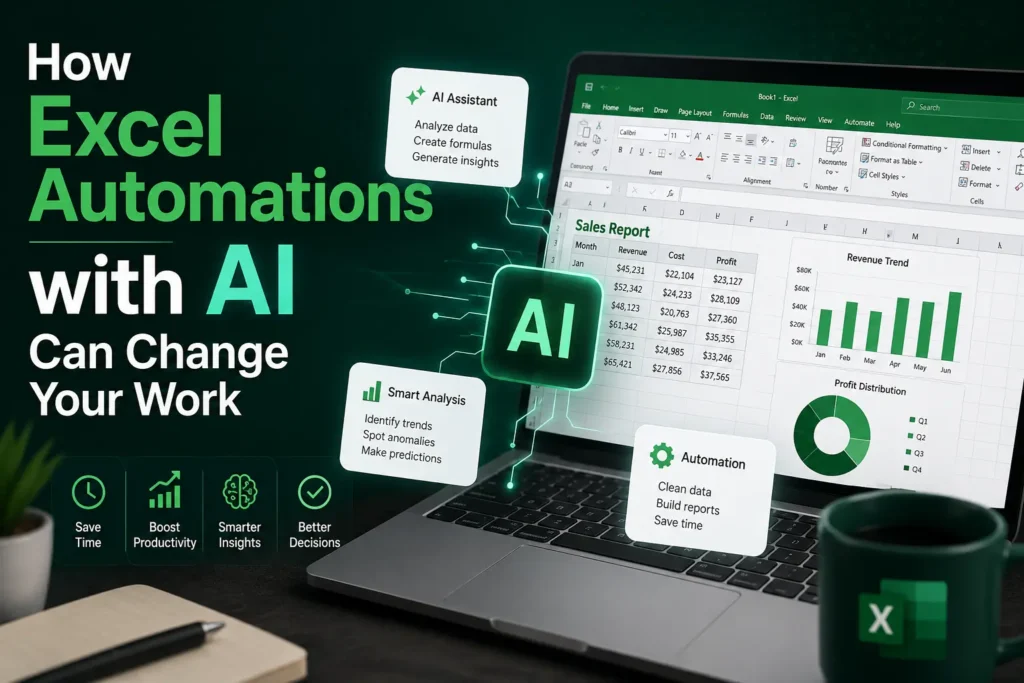

Introduction: The Quiet Revolution Inside Your Spreadsheet
Imagine opening Excel and instead of manually cleaning data, writing formulas, or building reports from scratch, the sheet understands what you need and does most of the work for you.
That’s not future talk anymore—it’s happening now through Excel Automtions powered by AI.
For decades, Excel has been the backbone of business operations. But now, with AI integration from tools like Microsoft Copilot and machine learning-based add-ins, Excel is evolving from a static spreadsheet tool into an intelligent decision-making assistant.
The real shift is simple but powerful:
From “doing work in Excel” → to “letting Excel do the work for you.”


7
What Are Excel Automations with AI?
At its core, Excel Automtions refer to using AI tools to reduce or eliminate repetitive spreadsheet tasks such as:
- Data cleaning and formatting
- Formula generation
- Report creation
- Pattern recognition
- Predictive analysis
AI enhances Excel by acting like a “smart layer” on top of traditional spreadsheets.
For example, instead of manually writing a formula like:
=VLOOKUP(A2,Sheet2!A:C,3,FALSE)
AI can now understand your request like:
“Find the customer name from Sheet2 based on ID”
And generate the formula instantly.
Microsoft’s AI-driven features like Microsoft Copilot are leading this transformation by embedding natural language understanding directly into Excel.
Learn more from Microsoft’s official documentation: Microsoft Excel AI Features


6
Traditional Excel vs AI-Powered Excel Automations
Before AI, Excel required technical skill, patience, and time. Now it focuses on intent over input.
| Feature | Traditional Excel | AI-Powered Excel Automations |
|---|---|---|
| Data Entry | Manual | Automated suggestions |
| Formula Creation | User-written | AI-generated |
| Data Cleaning | Manual filtering | Smart detection & fixing |
| Reporting | Time-consuming | Instant dashboards |
| Insights | User analysis | AI predictive insights |
The biggest difference is simple:
Traditional Excel answers: “What did you type?”
AI Excel answers: “What do you want to achieve?”
This shift is redefining productivity across industries.


6
Key Ways AI Is Transforming Excel Automations
1. Natural Language Commands
You can now type:
“Show sales growth for last 6 months”
And Excel builds the chart automatically.
No formulas. No manual chart setup.
2. Smart Data Cleaning
AI detects:
- Duplicate entries
- Missing values
- Inconsistent formats
It suggests corrections instead of you hunting errors manually.
3. Predictive Analytics
AI can forecast:
- Sales trends
- Inventory needs
- Customer behavior
This turns Excel into a mini data science tool.
4. Automated Reporting
Instead of building monthly reports manually, AI generates:
- Charts
- Summaries
- Key insights
All in seconds.
5. Workflow Automation
Using tools like Power Automate and AI scripts, Excel can:
- Send reports automatically
- Update dashboards in real time
- Trigger alerts for anomalies


7
Real-World Use Cases of Excel Automations with AI
📊 Finance Teams
Banks and financial analysts use AI Excel systems to:
- Detect fraud patterns
- Forecast stock movements
- Automate balance sheets
📈 Marketing Teams
Marketers use AI automation for:
- Campaign performance tracking
- Customer segmentation
- ROI analysis
👨💼 HR Departments
HR professionals automate:
- Payroll calculations
- Attendance tracking
- Recruitment data analysis
🏭 Supply Chain Management
Companies optimize:
- Inventory levels
- Delivery schedules
- Demand forecasting
A small example: A retail company reduced reporting time from 6 hours to 15 minutes simply by using AI-powered Excel dashboards.


6
Benefits of Excel Automations with AI
🚀 1. Massive Time Savings
Tasks that took hours now take minutes.
🧠 2. Reduced Human Error
AI minimizes mistakes in formulas and data entry.
📊 3. Better Decision Making
Real-time insights improve business strategy.
💡 4. Accessibility for Non-Experts
Even beginners can perform advanced analysis.
⚡ 5. Increased Productivity
Teams focus more on strategy, less on manual work.
Challenges & Limitations
AI in Excel is powerful—but not perfect.
⚠️ Data Privacy Concerns
Sensitive business data must be handled carefully when using cloud-based AI tools.
⚠️ Over-Reliance on AI
Users may lose basic Excel skills if they depend too much on automation.
⚠️ Learning Curve
Understanding how to prompt AI effectively still requires practice.
The Future of Excel Automations with AI
We are moving toward a world where spreadsheets behave like intelligent assistants.
In the near future, Excel may:
- Auto-build entire financial models
- Generate business strategies from raw data
- Communicate insights in voice form
- Integrate deeply with AI ecosystems like ChatGPT-style assistants
Microsoft and other tech companies are investing heavily in this direction, turning Excel into a full AI-powered decision engine rather than just a spreadsheet tool.


6
Conclusion: Why This Matters for Your Career
The rise of Excel Automtions with AI is not just a software upgrade—it’s a workplace transformation.
If you work in business, finance, marketing, or even education, AI-powered Excel will become a core skill.
The professionals who adapt early will:
- Work faster
- Make better decisions
- Stay ahead of automation trends
Those who don’t may find traditional spreadsheet skills slowly becoming outdated
inal Call-to-Action
If you found this guide useful, start experimenting with AI features in Excel today. Try using natural language commands, explore automation tools, and see how much time you can save.
And here’s a question for you:
👉 Which Excel task would you automate first if AI could do it for you?
Share your thoughts and explore more productivity guides to stay ahead in the AI-driven workplace.