

Introduction
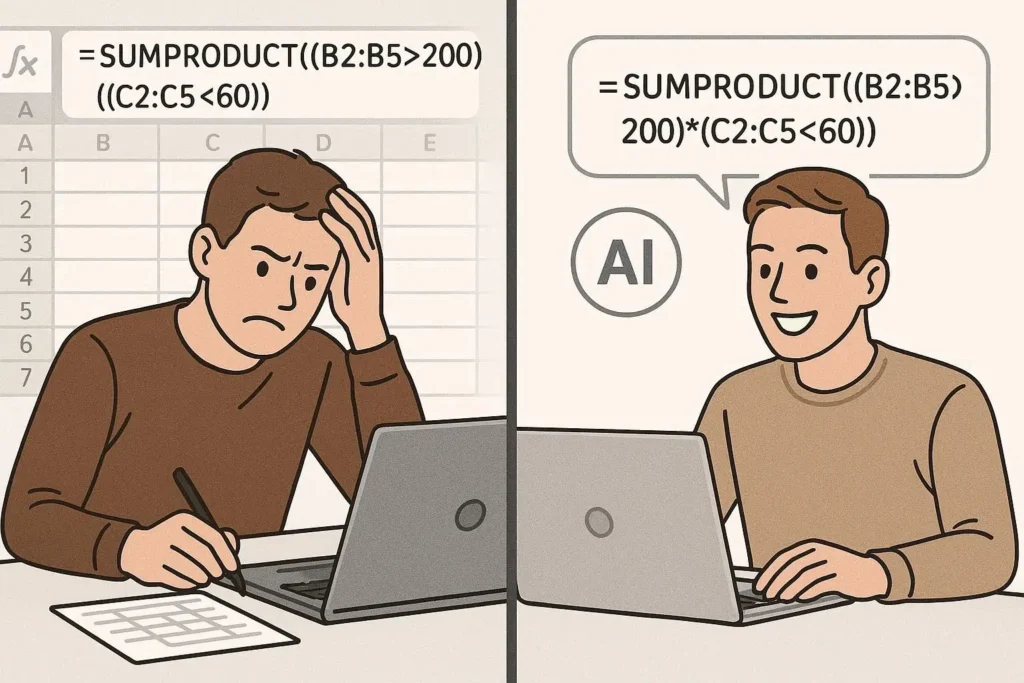
Ever stared at an Excel sheet thinking, “Yaar ye formula kaise banega?” 😅
You’re not alone.
Whether you’re a beginner or someone who’s been using Excel for years, formulas can get confusing fast. Nested functions, syntax errors, and endless trial-and-error can waste hours.
That’s where the excel ai formula generator changes the game.

Instead of manually writing formulas, you simply describe what you want—and AI builds the formula for you in seconds. No stress, no confusion, no Google searching for hours.
In this guide, we’ll break down how it works, compare top tools, and show you how to actually use it like a pro.
What is an Excel AI Formula Generator?
An excel ai formula generator is an AI-powered tool that converts plain English instructions into Excel formulas.
👉 Example:
You type:
“Calculate total sales where region is Lahore and product is mobile”
AI generates:
=SUMIFS(B:B, A:A, "Lahore", C:C, "Mobile")
Simple. Fast. Powerful.
Why Excel Users Are Switching to AI
Let’s be real—Excel formulas are powerful, but they’re not always easy.
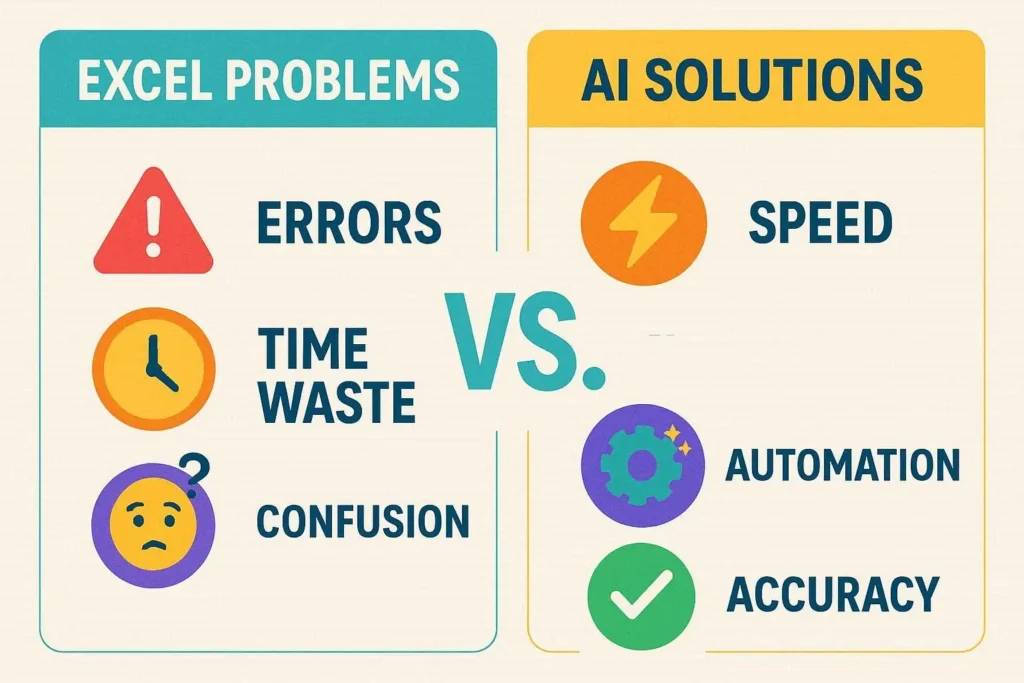
Common Problems Without AI:
- Forgetting syntax
- Misplacing brackets
- Struggling with nested formulas
- Wasting time on Google/YouTube
What AI Solves:
- ✅ Instant formula generation
- ✅ Error-free syntax
- ✅ Works for beginners & experts
- ✅ Saves hours of work
Top Excel AI Formula Generator Tools (Comparison)
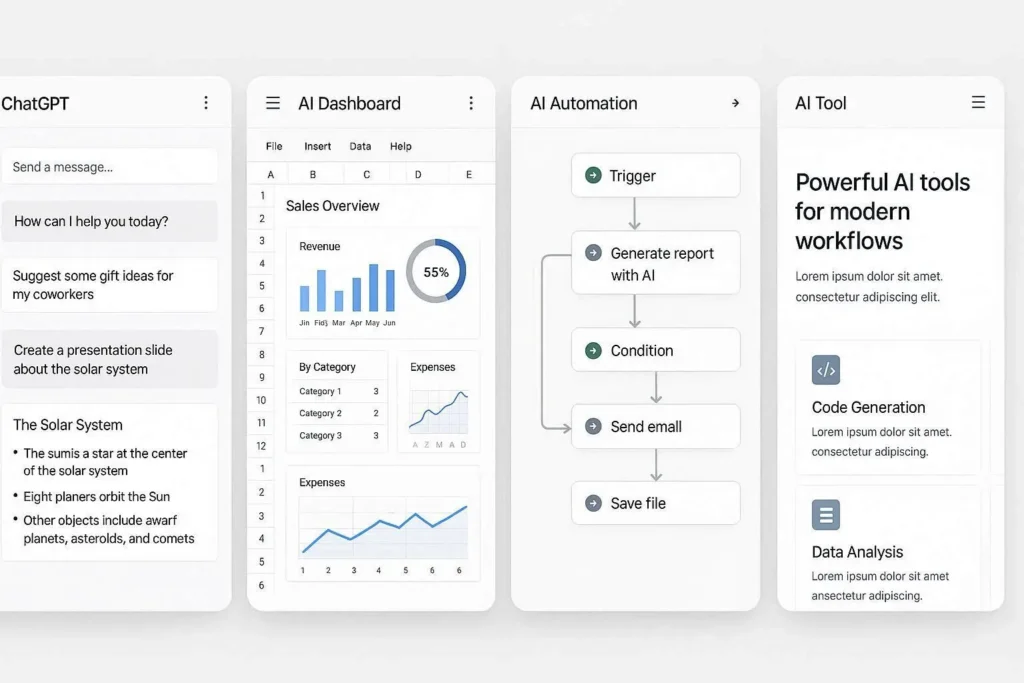
Here’s a quick comparison of popular tools you can use:
| Tool Name | Best For | Key Feature | Pricing |
|---|---|---|---|
| ChatGPT | All users | Natural language prompts | Free/Paid |
| Excel Formula Bot | Beginners | Simple UI | Free/Paid |
| SheetAI | Google Sheets users | Automation + AI | Paid |
| Microsoft Copilot | Advanced users | Built into Excel | Paid |
| Formula Dog | Quick formulas | Fast generation | Free |
How to Use an Excel AI Formula Generator (Step-by-Step)
Step 1: Describe Your Task Clearly
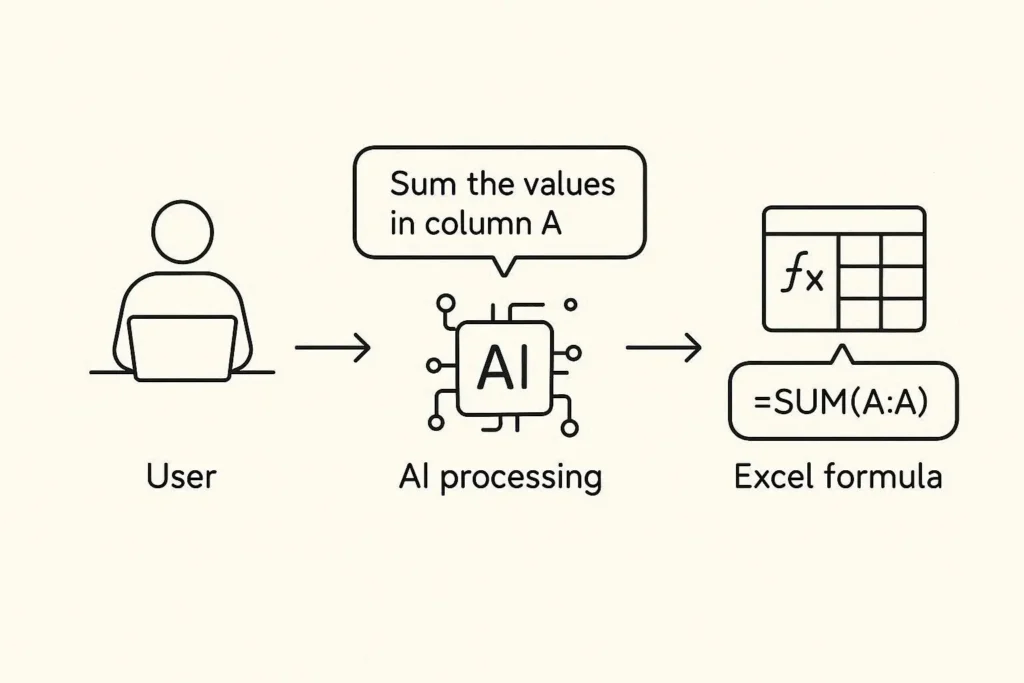
Instead of thinking in formulas, think in plain English.
👉 Example:
“Find average marks where class is 10”
Step 2: Let AI Generate the Formula
AI will convert your request into a working formula.
Step 3: Copy & Paste into Excel
Just paste it into your Excel sheet—done.
Step 4: Verify Results
Always double-check outputs to ensure accuracy.
Real-Life Use Cases (Practical Examples)
1. Data Analysis
Instead of manually writing:
=IF(A1>50,"Pass","Fail")
Just ask AI:
“Mark pass if marks are above 50”
2. Financial Calculations
AI can generate:
- Profit margins
- Expense tracking
- Budget formulas
3. HR & Payroll
- Salary calculations
- Bonus logic
- Attendance formulas
4. Freelancing & Client Work
Bhai, agar tum Upwork ya Fiverr pe kaam karte ho, this is gold 💰
You can:
- Deliver faster
- Handle complex tasks easily
- Impress clients with accuracy

Key Benefits of Using Excel AI Formula Generator
⚡ Speed
What used to take 30 minutes now takes 30 seconds.
🎯 Accuracy
AI reduces human error significantly.
📚 Learning Tool
You don’t just get formulas—you learn them.
💼 Productivity Boost
More work done in less time = more earnings 😉

Limitations You Should Know
Let’s keep it real—AI perfect nahi hota.
❌ Possible Issues:
- Sometimes wrong assumptions
- Needs clear instructions
- Complex datasets may confuse AI
👉 Pro Tip:
Always review formulas before using them in important tasks.

Excel AI vs Traditional Formula Writing
| Feature | AI Generator | Manual Excel |
|---|---|---|
| Speed | Very Fast | Slow |
| Learning Curve | Easy | Difficult |
| Error Rate | Low | High |
| Flexibility | High | Medium |
| Skill Required | Basic | Advanced |
Pro Tips to Get the Best Results
🔥 1. Be Specific
Bad prompt:
“Calculate total”
Good prompt:
“Sum sales in column B where region is Karachi”
🔥 2. Mention Column Names Clearly
AI works better with structured input.
🔥 3. Break Complex Tasks**
If your formula is too complex, split it into steps.
🔥 4. Use AI as a Learning Partner**
Don’t just copy—understand the formula.
The excel ai formula generator isn’t just a tool—it’s a productivity revolution.
AI robot looking confused with error symbols and warning icons around Excel sheets, concept of AI limitations, modern illustration style
To put it simply, the excel ai formula generator is not just another tool — it’s a complete game changer.
In today’s fast-paced digital world, those who adopt AI are not just working faster—they’re working smarter. Tasks that once took 20–30 minutes, like building complex Excel formulas, can now be completed in seconds.
But the real power isn’t just in generating formulas.
It’s in saving time, boosting productivity, and unlocking new opportunities.
Whether you’re:
- A beginner learning Excel
- A freelancer handling client projects
- Or an aspiring data analyst
Using AI tools can give you a serious competitive advantage.